
介绍
Brave Browser是一款注重隐私保护、速度极快且私密的网页浏览器,适用于Android、Linux、macOS和Windows平台。
软件截图
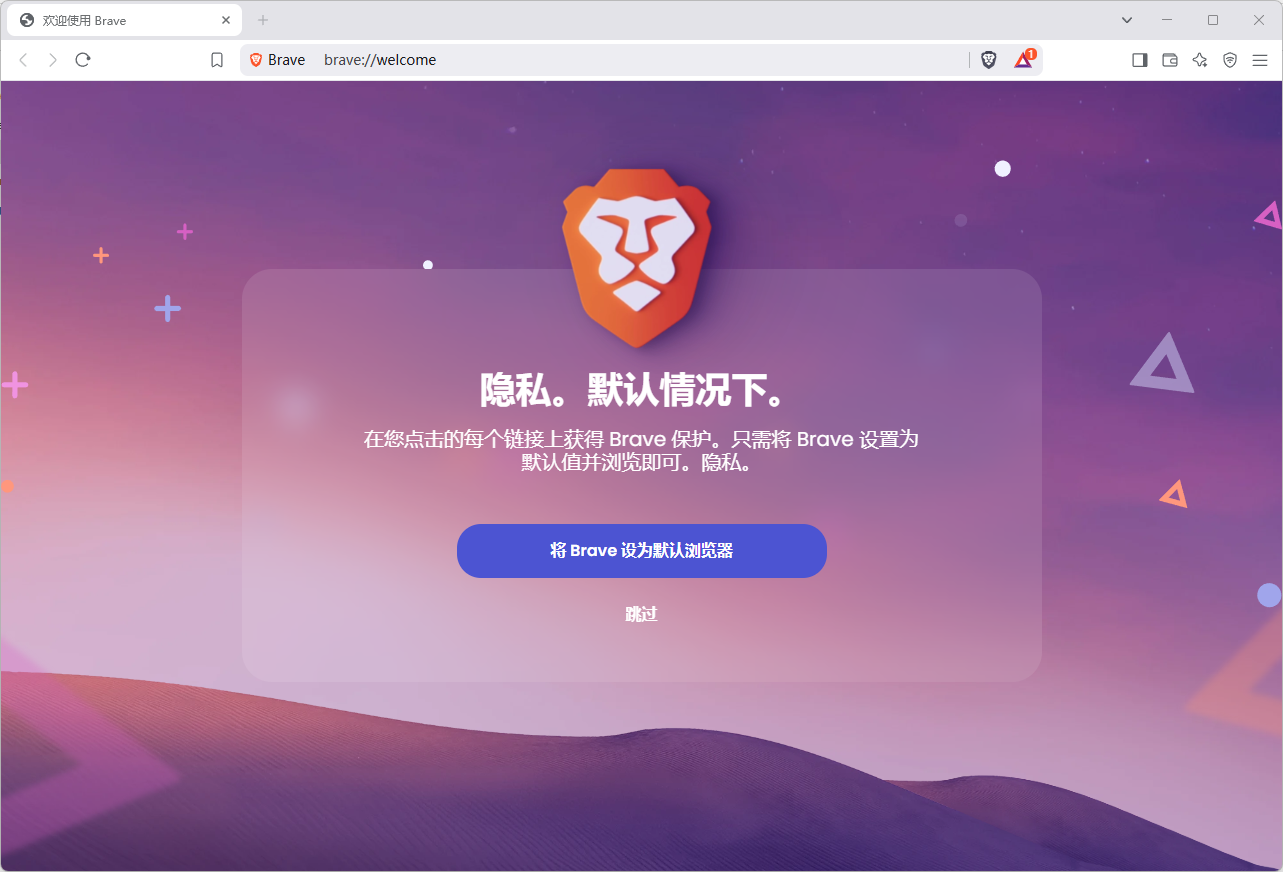
软件特点
注重隐私保护:Brave浏览器默认开启隐私模式,有效阻止跟踪器和广告,保护用户隐私。
安全性高:Brave浏览器可以自动识别并阻止恶意网站,保护用户的数据安全。
可扩展性:Brave浏览器支持各种插件和扩展,用户可以根据自己的需求进行定制。
外观简洁:Brave浏览器的外观简洁、干净,没有乱七八糟的导航页,也没有冗余的按钮图标。
软件功能
广告拦截:Brave浏览器拥有强大的广告拦截功能,可以拦截各类网页广告,大大提高了网页的加载和浏览速度,给用户带来更好的网页浏览体验。
追踪保护:Brave浏览器能够阻止跟踪器,保护用户隐私。
HTTPS Everywhere:该功能能够确保用户访问的每个网页都通过安全的HTTPS连接进行,防止数据被窃取或篡改。
私有云:Brave浏览器提供的私有云可以用匿名广告取代网站原来广告,一切广告在该浏览器下都不存在。
安全性:Brave浏览器可以自动识别并阻止恶意网站,保护用户的数据安全。它还建立了开源Chromium网络核心,为全球数十亿人使用的浏览器提供支持,源代码经过更多安全研究人员的审查,使得Brave比几乎任何其他浏览器都安全得多。
速度:Brave浏览器采用了多线程设计,使得加载速度更快。同时,它还具有内置的广告拦截功能,可以进一步提高网页加载速度。经过专业测试对比发现,Brave浏览速度要比Chrome、Safari、Firefox快6倍。
更新日志
Web3
Added support for Zcash Testnet. (#50116)
Updated UI for the “Cancel Transaction” confirmation panel. (#49719)
Fixed macOS issue where switching apps using “Cmd + Tab” closed the wallet panel. (#50976)
Fixed incorrect Cardano account being shown on the “Buy Crypto” screen. (#50790)
Leo
Added support for rich results from Brave Search. (#50812)
Added several new premium models in Brave Leo. (#49218)
Replaced “Llama 3.1 8b” with “Qwen 14B” in the recommended model list. (#50958)
Fixed list numbers not being displayed correctly in Brave Leo responses. (#50467)
General
Added an “ask” keyword shortcut for “Ask Brave Search” in the URL bar. (#49179)
Added “Always hide tab close button” setting under brave://settings/appearance. (#25077)
Improved rounded corners on macOS. (#51057 & #49755)
Improved display of sidebar on mouseover when rounded corners are enabled. (#50490)
Increased the maximum number of top site tiles on the New Tab Page from 48 to 120. (#50468)
Updated vertical tab strip to expand on mouseover when Brave is not in focus. (#50838)
Fixed collapsed tab groups being expanded when moving via drag and drop. (#50898)
Fixed inability to disable hidden lists in brave://settings/shields/filters. (#49207)
Upgraded Chromium to 144.0.7559.59. (#51836) (Changelog for 144.0.7559.59)